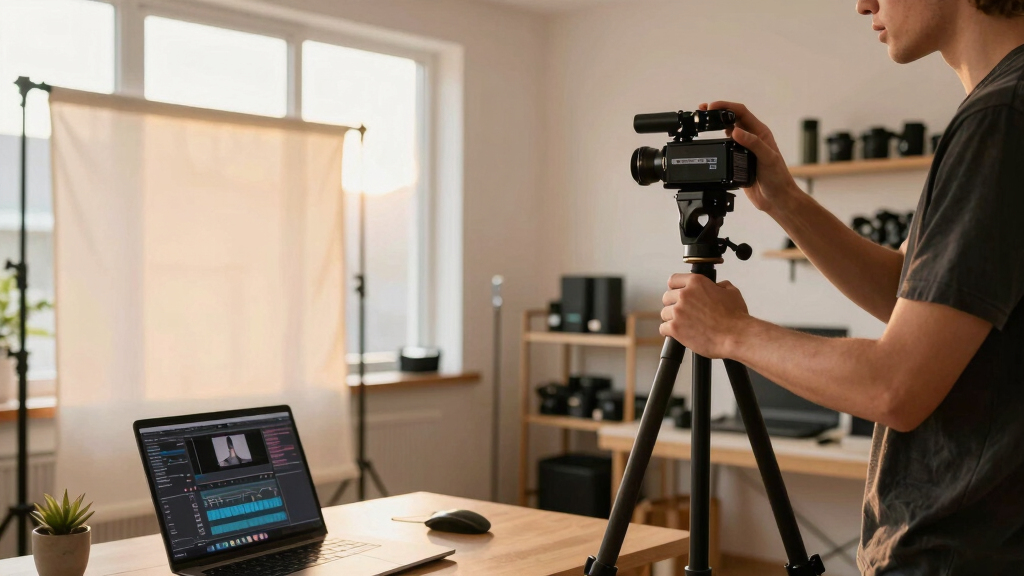
TL;DR
A single video can produce a full set of publishing assets—images, metadata, snippets—without relying on cloud platforms. This local-first approach offers creators control, privacy, and faster workflows, especially for small publishers and authors.
Imagine finishing a video and instantly having a media kit ready for any purpose—press, social, sales—without uploading to the cloud. It sounds like magic, but it’s now within reach thanks to tools that process everything locally.
This approach radically changes how creators manage their content. You’re no longer at the mercy of platform restrictions, privacy concerns, or slow uploads. Instead, you own every file, every asset, all on your own hardware. Today, I’ll walk you through how a single video can transform into a complete publishing package—ready for any platform or purpose—without relying on the cloud.
Key Takeaways
- A single video can produce a full suite of professional assets—images, metadata, snippets—without cloud reliance.
- Local-first workflows give creators full control over their files, ensuring privacy, speed, and ownership.
- Automated tools now analyze audio and visuals deeply, enabling fast, accurate asset generation.
- Balancing automation with manual review keeps your branding consistent while saving time.
- This approach is best suited for small creators, indie publishers, and anyone wanting control over their content pipeline.
local video editing software
As an affiliate, we earn on qualifying purchases.
As an affiliate, we earn on qualifying purchases.
What does ‘One Video In, a Whole Publishing Kit Out’ really mean?
At its core, it’s about turning one raw video into a bundle of professional-quality assets—images, metadata, snippets, and promotional materials—without uploading data to the internet. Think of it like a media chef preparing a full-course meal from a single ingredient.
For example, upload a 10-minute interview, and the system extracts highlight clips, creates a compelling thumbnail, drafts a press-ready one-sheet, and even writes social media posts—everything on your local machine. The magic is in the automation and the depth of understanding, not just copying text from speech.
This isn’t just about convenience. It’s about ownership and privacy—your content, your control, no cloud servers, no data sharing. The result? A complete kit you can customize, publish, or sell from your own website or offline channels.
However, it’s important to recognize tradeoffs. While automation can dramatically speed up your workflow, it may sometimes generate assets that need manual refinement to match your branding or message. Relying solely on automated processes might also limit nuanced storytelling or creative expression, so a balance between automation and manual input is key.

media asset creation tools
As an affiliate, we earn on qualifying purchases.
As an affiliate, we earn on qualifying purchases.
Why local, self-hosted workflows matter for creators
Running your publishing process locally means total control over your files and data. No third-party servers storing your content, no risk of platform outages, and no reliance on internet speed. Your workflow becomes faster, safer, and more private.
For instance, an indie author with a 50-book catalog can generate promotional assets for each book—cover images, metadata, social snippets—without waiting for cloud processing or worrying about data leaks. They can work offline, make quick changes, and keep everything on their own hardware.
Beyond control, local workflows often translate into cost savings. Cloud services typically charge ongoing fees based on storage or processing time, which can add up quickly. By investing in robust local tools, creators avoid these recurring costs, making it more economical in the long run. Additionally, local workflows facilitate iteration—if you want to test different asset variations, you can do so instantly without waiting for cloud uploads or processing delays.
Nevertheless, there are tradeoffs. Setting up and maintaining local tools requires some technical knowledge and initial investment. You also miss out on real-time collaboration features and automatic updates that cloud services offer. Creators should evaluate their technical comfort and collaboration needs before choosing a fully local workflow.

metadata extraction software for videos
As an affiliate, we earn on qualifying purchases.
As an affiliate, we earn on qualifying purchases.
What goes into a complete publishing kit? Think like a media pro
Picture a media kit for a new book or video. It includes high-res cover images, a one-sheet with key info, press release snippets, social media assets, and metadata—keywords, tags, descriptions. All tailored for different audiences. Learn more about media kit essentials at this guide.
For videos, this means:
- High-resolution cover art and thumbnails (think crisp, no filters, just true representation)
- A one-sheet or media kit PDF with a summary, key stats, and contact info
- Social media snippets: short quotes, highlights, hashtags
- Metadata: tags, categories, SEO keywords
- Video clips: highlights, promos, vertical versions for TikTok/Reels
Understanding what elements make a media kit is crucial because each asset serves a specific purpose. High-quality images and thumbnails attract attention; well-crafted metadata improves discoverability; social snippets generate engagement. Automating their generation saves time but also requires understanding their strategic use. For example, a poorly chosen thumbnail might reduce click-through rates, so reviewing automated assets is essential for maintaining quality and relevance.

offline media kit generator
As an affiliate, we earn on qualifying purchases.
As an affiliate, we earn on qualifying purchases.
How the workflow turns one video into a publishing powerhouse in 4 steps
Here’s the typical process, simplified:
- Ingest: Drop your video file or paste a link. The system recognizes the channel, retrieves the video, and prepares it for analysis.
- Understand: The software transcribes speech, analyzes visuals, detects scene changes, and reads on-screen text. It fuses this info into a structured log.
- Draft: Based on the insights, it generates titles, descriptions, snippets, thumbnails, and social posts. You review, tweak, or regenerate assets.
- Publish: Approve the package, then export all files—ready for upload to your website, social media, or offline use. Everything stays on your local machine.
This process is powerful because it automates complex tasks that traditionally took hours, but it also requires understanding the implications of automation. For more insights, visit this resource.
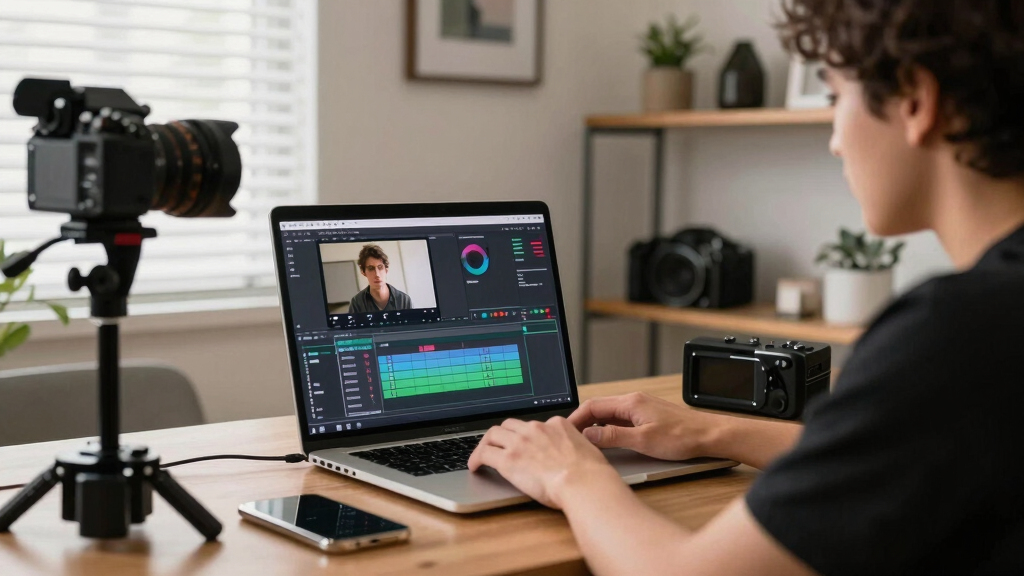
How the workflow turns one video into a publishing powerhouse in 4 steps Benefits and limitations of a cloud-free publishing workflow
The biggest perk? Privacy. Your content stays on your hardware, safe from hacking or data leaks. Speed is another advantage—no waiting for uploads or cloud processing delays. Discover more about local workflows at simplifykit.com.
Plus, you gain flexibility. You can generate and tweak assets offline at any time, then upload only the final versions. This means you can work at your own pace, experiment with different assets, and avoid being locked into a vendor’s ecosystem. Over time, this can lead to significant cost savings—no recurring cloud fees, just a one-time investment in your tools.
However, there are tradeoffs. Setting up local tools requires some technical skill and initial effort. You might also miss out on real-time collaboration, automatic updates, and seamless integration that cloud platforms provide. For example, a remote team might find cloud workflows more convenient for instant sharing, but a solo creator prioritizing privacy and control will benefit more from a local approach. Understanding your specific needs and technical comfort is key to choosing the right workflow.

Benefits and limitations of a cloud-free publishing workflow Who benefits most from this approach? Creators, publishers, and more
This workflow is ideal for small creators, indie authors, educators, and niche publishers who want control and privacy. It’s perfect if you produce a steady stream of videos or content and need a professional media kit fast.
Imagine a YouTuber launching a new course. They can generate all promotional assets locally—thumbnails, snippets, press materials—without waiting or risking data exposure. Then, they upload only finalized files to their site or social platforms.
This approach also benefits those who sell directly to their audience, like through personal websites or small storefronts, because it allows them to maintain full ownership and control over their assets. It eliminates dependencies on third-party platforms that may have restrictions or data privacy concerns, empowering creators to build a more secure and tailored publishing process.

Who benefits most from this approach? Creators, publishers, and more Your quick guide to making it happen — 5 actionable tips
Ready to start? Here are five tips to get the most out of a local, video-to-assets workflow:
- Choose the right tools: Look for software that does multi-layer analysis, like [ChannelHelm](https://channelhelm.com/), which processes audio, visuals, and generates assets locally.
- Automate your routine: Set up templates for titles, descriptions, and social posts to speed up repetitive tasks.
- Keep your assets organized: Use clear folder structures for high-res images, videos, and metadata for easy access and updates.
- Review and customize: Don’t rely blindly on automation. Tweak generated assets to fit your brand voice and style.
- Maintain control: Save all raw and finished files in your own storage or local server. Backups matter.
By following these steps, you ensure your workflow remains efficient, adaptable, and secure. Automating repetitive tasks frees up your creative energy for higher-level decisions, while organized storage safeguards your assets. Regular review and customization prevent automation from producing generic results, maintaining your brand’s authenticity. Ultimately, these practices help you build a resilient, scalable, and privacy-conscious publishing pipeline.
Frequently Asked Questions
What files or assets are automatically generated from a video?
Typically, a local workflow can produce high-resolution cover images, thumbnails, metadata like titles and tags, social snippets, short clips, and a detailed media kit. It’s all about turning one source into many ready-to-use assets.
Does this process require technical skills?
While some setup is needed initially, many tools now offer user-friendly interfaces. For example, [ChannelHelm](https://channelhelm.com/) provides a visual studio where you can review and tweak assets easily, making it accessible even for non-tech-savvy creators.
Can I use this workflow for both digital and print media?
Absolutely. You can generate digital assets like social media posts and videos, as well as high-res images suitable for print, press kits, or media sheets. It’s designed to serve multiple publishing needs from a single source.
What are the privacy advantages of a cloud-free system?
All your files stay on your local machine or private server, reducing risks of hacking or data leaks. Plus, you avoid platform dependencies and long upload times, giving you faster control over your content.
Is this approach cost-effective for small creators?
Yes. Once you invest in the right tools, there are no ongoing cloud fees. You pay once, own your assets, and can generate as many assets as needed, making it highly scalable for solo creators and small teams.
Conclusion
Transforming a single video into a complete publishing kit on your own hardware isn’t just a tech trick; it’s a game-changer for creators who value privacy, control, and speed. Instead of waiting for cloud services or losing assets to vendors, you hold everything in your hands.
Imagine the freedom: edit, customize, and publish from your own space, with every asset tailored perfectly to your needs. It’s not just about saving time; it’s about reclaiming your content and your workflow. The future of publishing is local—and it’s already here.

Your quick guide to making it happen — 5 actionable tips