
For ideal TV placement, position the center of the screen at your seated eye level to reduce neck strain. Maintain a viewing distance of about 1.5 to 2.5 times the TV’s diagonal size; for example, a 55-inch TV should be 6.9 to 11.5 feet away. Consider your room layout, furniture height, and screen size to find the best setup. Keep exploring for detailed tips to enhance your viewing comfort and prevent common mistakes.
Key Takeaways
- Mount the TV so the center aligns with seated eye level for comfort and reduced neck strain.
- Maintain a viewing distance of 1.5 to 2.5 times the TV’s diagonal size for optimal ergonomics.
- For a 55-inch TV, sit approximately 6.9 to 11.5 feet away; adjust distance based on room size and resolution.
- Choose mounting height considering room layout, furniture, and lighting to prevent glare and reflections.
- Use adjustable mounts to fine-tune height, ensuring screens are at eye level and viewing angles are comfortable.

Mounting Dream TV Wall Mount for 32-65 Inch Television,Mount with Swivel and Tilt, Full Motion Bracket with Articulating Dual Arms, Fits 16inch Studs, Max VESA 400X400 mm, 99lbs, MD2380
Universal TV Mount: TV wall mount fits most 32-65" TVs up to 99 LBS, with max VESA of…
As an affiliate, we earn on qualifying purchases.
As an affiliate, we earn on qualifying purchases.
Ideal Eye Level for TV Mounting
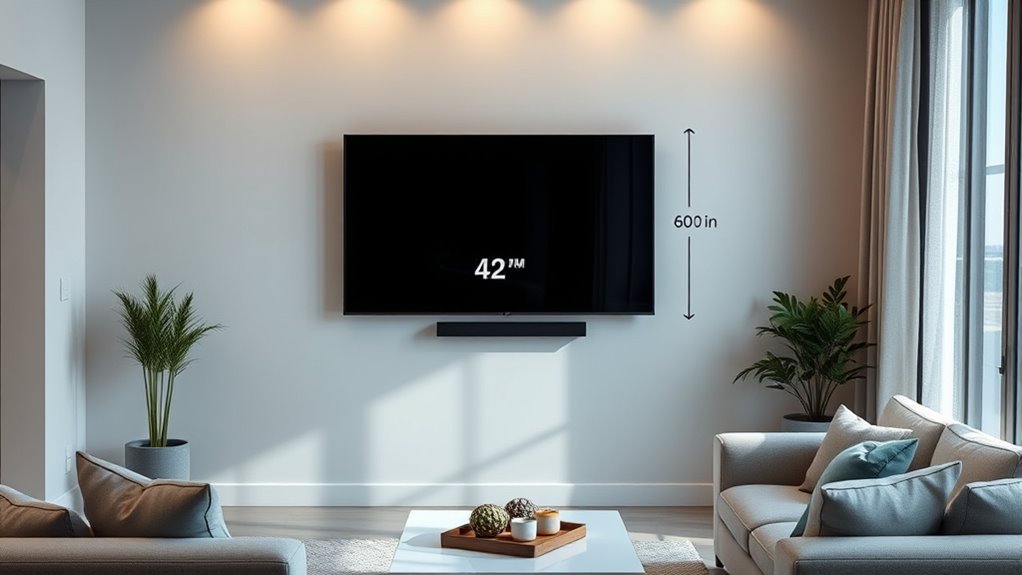
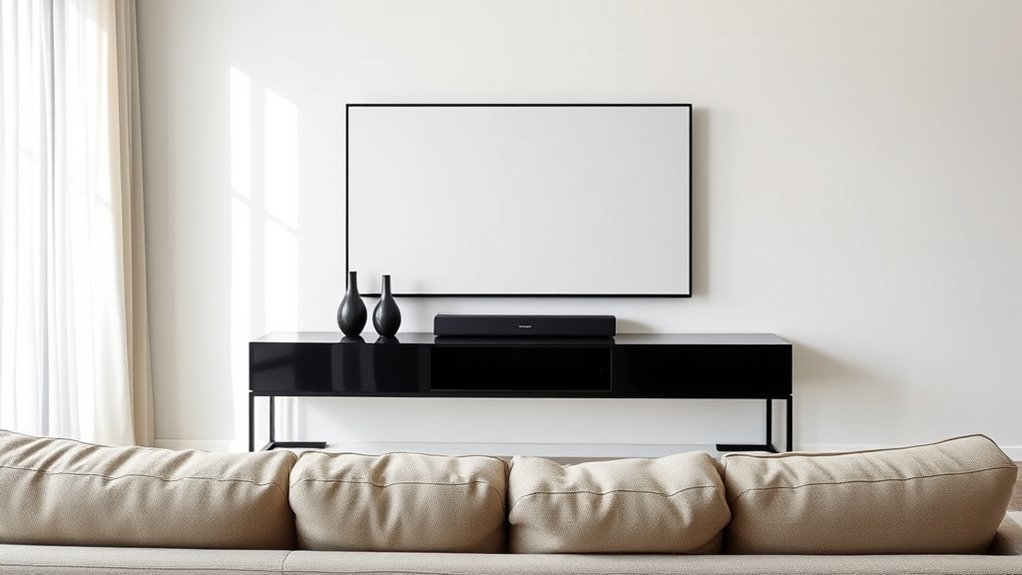
To guarantee comfortable viewing, your TV should be mounted so that the center of the screen aligns with your eye level when seated. This means choosing a wall mount that allows precise positioning based on your seating height. Generally, the ideal height is where your eyes naturally rest when seated comfortably. If your seating height is higher or lower, adjust the wall mount accordingly to keep the TV’s center at that level. Proper alignment reduces neck strain and creates a more immersive experience. Additionally, paying attention to visual ergonomics can help prevent discomfort and promote better viewing health over time. Avoid mounting the TV too high or too low; both can cause discomfort over time. By matching your wall mount placement with your seating height, you ensure an optimal viewing angle that minimizes fatigue and enhances your overall entertainment experience.

Universal TV Mounting Hardware Screw Kit Set with Box – M4 M5 M6 M8 Screws and Washers Spacers, Replacement Screws for TV VESA Mounting, Fits Most TV/Monitor up to 80 inch
Packed in a Box:Store and organize mounting accessories in one place. Not only does this box keep screws,…
As an affiliate, we earn on qualifying purchases.
As an affiliate, we earn on qualifying purchases.
Determining the Optimal Viewing Distance

Finding the right distance between your eyes and the TV screen is key to a comfortable viewing experience. When wall mounting your TV, proper distance enhances viewing ergonomics and reduces eye strain. A good rule of thumb is to sit about 1.5 to 2.5 times the diagonal size of your TV away. Use the table below to help determine your ideal distance based on your TV size:
| TV Size (inches) | Suitable Distance (feet) |
|---|---|
| 55 | 6.9 – 11.5 |
| 65 | 8.1 – 13.5 |
| 75 | 9.4 – 15.6 |
Adjust based on your room and seating arrangement, ensuring you maintain comfortable viewing ergonomics and avoid neck or eye strain.
Mounting Dream TV Wall Mount for 32-65 Inch Television,Mount with Swivel and Tilt, Full Motion Bracket with Articulating Dual Arms, Fits 16inch Studs, Max VESA 400X400 mm, 99lbs, MD2380
Universal TV Mount: TV wall mount fits most 32-65" TVs up to 99 LBS, with max VESA of…
As an affiliate, we earn on qualifying purchases.
As an affiliate, we earn on qualifying purchases.
Factors Influencing TV Placement Height
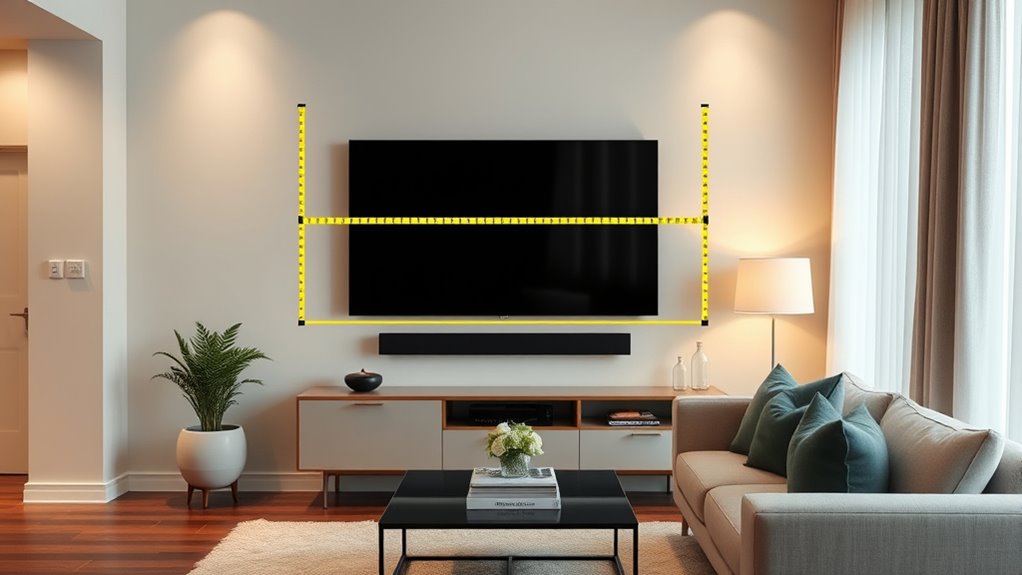
Your room layout plays a big role in choosing the right TV height, ensuring it’s comfortable to watch from different seating areas. Aligning the screen with your eye level helps prevent neck strain and improves viewing quality. Whether you mount the TV on the wall or set it on a stand, each option influences the ideal height based on your space and setup. Additionally, considering the viewing comfort can enhance your overall experience, making it easier to enjoy your favorite programs without discomfort.
Room Layout Considerations
The layout of your room considerably influences the ideal height for mounting your TV. You need to consider how decorative accents, such as artwork or shelving, interact with your TV placement to maintain visual harmony. Lighting considerations are also essential; avoid placing the TV where glare from windows or lamps can interfere with viewing comfort. Positioning your TV at a height that complements your room’s overall design ensures it doesn’t clash with existing decor. Think about the placement of furniture and pathways, making sure the TV isn’t obstructed or awkwardly angled. A well-thought-out layout helps create a balanced space, where your TV fits seamlessly into the room’s aesthetic without sacrificing functionality or comfort. Incorporating space organization principles can optimize the overall room flow and ensure your TV placement supports both style and practicality.
Eye Level Alignment
Have you ever wondered why eye level is often recommended for mounting a TV? It’s because aligning the screen with your eye level enhances your viewing comfort and minimizes neck strain. When your TV is at the right height, you’ll notice better sound quality, as sound projects more directly toward you, improving clarity. Additionally, many modern TVs come with smart features that make navigation easier at eye level, reducing the need to strain or adjust your position. Proper alignment ensures an ideal viewing experience, making movies, shows, and even gaming more immersive. Keep in mind that your eye level may vary based on seating height and room layout, but generally, aiming for the center of the screen to match your eye height is the best approach. Incorporating AI-driven ergonomic analysis can help optimize your TV placement for maximum comfort.
Wall or Stand Mounting
When choosing between wall or stand mounting, several factors influence the ideal height for your TV. Wall aesthetics play a significant role, as a mounted TV should blend seamlessly with your decor. If your wall is the focal point, mounting at eye level creates a sleek, modern look. Conversely, if you prefer to coordinate with existing furniture, consider the height of your stand or entertainment center to ensure a balanced appearance. Stand mounting offers flexibility, especially if you frequently rearrange furniture or want to avoid wall damage. Think about how the TV’s position affects viewing comfort and room style. Ultimately, your choice depends on your room layout, furniture coordination, and aesthetic preferences, guaranteeing your TV placement complements your space perfectly.

Desk Calculator with Writing Pad, Widescreen Extra-Large LCD Display, 12-Digit Calculator, Solar&Battery Dual Power Supply, Desktop Calculator with Ergonomic Viewing Angle for Office, School(Black)
【3-in-1 Desk Calculator】This 3-in-1 desk calculator with notepad features a 12-digit calculator and a built-in erasable LCD writing…
As an affiliate, we earn on qualifying purchases.
As an affiliate, we earn on qualifying purchases.
Choosing the Right Wall Mounting Height
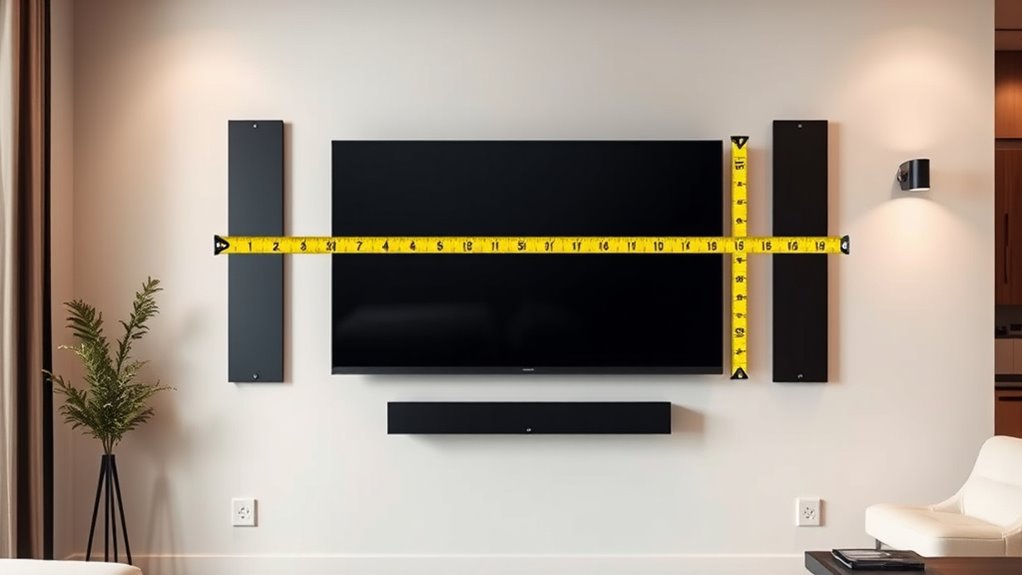
When choosing where to mount your TV, consider placing it at eye level for comfortable viewing. Keep in mind the room’s seating arrangement and wall mount compatibility to guarantee the best angle. Getting these points right helps you enjoy your shows without straining your neck or eyes. Additionally, understanding visual perception in dreams can help you assess the optimal height to reduce discomfort during extended viewing sessions.
Eye-Level Placement
Choosing the right wall mounting height for your TV guarantees comfortable viewing and reduces neck strain. To achieve ideal eye-level placement, consider your seating height and the TV’s center point. Positioning your screen at eye level enhances sound quality by aligning audio directly with ear level, improving overall clarity. Also, verify the power outlet placement matches your mounting height to avoid unsightly cords or extensions. Keep in mind that a slight downward tilt can help minimize glare and improve visibility. When planning, take into account the height of your furniture, the viewing distance, and the room’s layout. Proper eye-level placement not only ensures comfort but also enhances your viewing experience by keeping everything within easy reach and sight. Additionally, considering the viewing angle is essential to prevent distortion and ensure the best picture quality from different seating positions.
Room Viewing Angles
To achieve ideal viewing angles, you need to carefully consider your wall mounting height in relation to your seating arrangement. Proper wall mounting enhances viewing ergonomics by reducing neck strain and providing a comfortable line of sight. Position the TV so that the center of the screen is roughly at eye level when you’re seated. This minimizes the need to tilt your head up or down, creating a more natural viewing experience. Remember, the most suitable height depends on your furniture placement and seating height. Avoid mounting the TV too high on the wall, which can cause discomfort over extended periods. Additionally, understanding viewing angles and how they impact picture quality can help optimize your setup for the best experience. By paying attention to these details, you’ll improve your room’s viewing ergonomics and enjoy a more comfortable, immersive entertainment experience.
Wall Mount Compatibility
Selecting the right wall mount involves guaranteeing it can support your TV’s size and weight while allowing for the desired mounting height. Proper wall mount compatibility assures your TV stays secure and aligns with your viewing angle. To achieve seamless furniture integration, consider mounts that blend with your decor and avoid clutter. Confirm the mount provides adjustable tilt and swivel options for ideal positioning. Check the VESA pattern to match your TV’s specifications, and verify the weight capacity. Additionally, consider whether the mount allows for easy cable management to keep the setup tidy. Choosing the correct wall mount is vital for safety, functionality, and aesthetic harmony, especially when integrating your TV with existing furniture. Proper compatibility ensures a sleek look and a comfortable viewing experience.
Adjusting for Room Size and Seating Arrangement
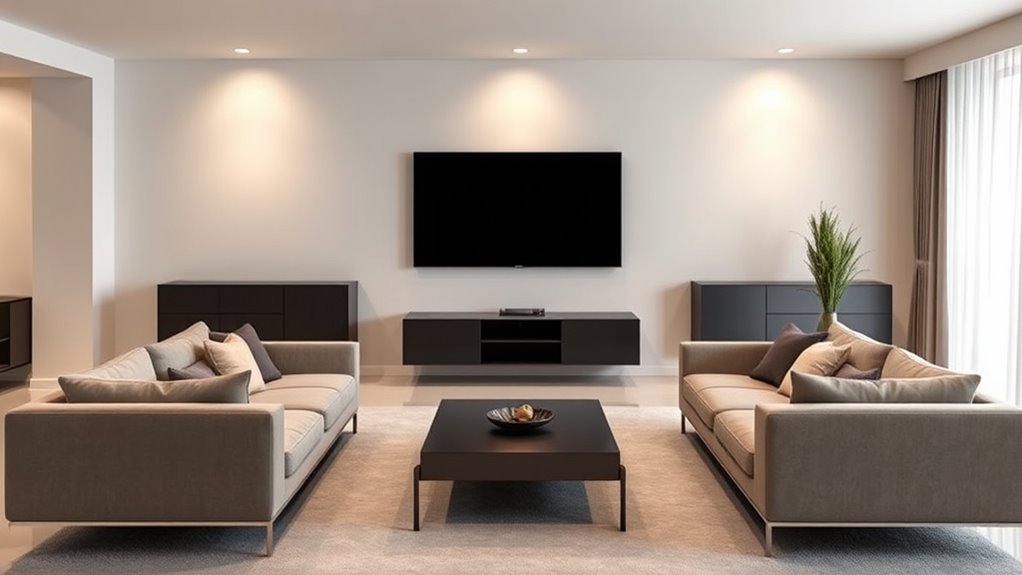
When adjusting your TV placement, considering the size of your room and the seating arrangement is essential for ideal viewing comfort. Your furniture arrangement determines how close or far seats should be from the screen, influencing both height and distance. In smaller rooms, position the TV so everyone has a clear view without feeling cramped, while larger spaces may require mounting the TV higher or farther back. Lighting considerations also play a role; avoid placing the TV where glare from windows or lamps can cause reflections. Use strategic lighting to minimize screen glare and enhance picture quality. Additionally, understanding optimal viewing angles can help you position your TV for the best experience. Aligning your furniture and lighting with your TV placement ensures a comfortable, immersive viewing experience tailored to your specific room size and seating setup.
Tips for Maintaining Comfort and Reducing Strain
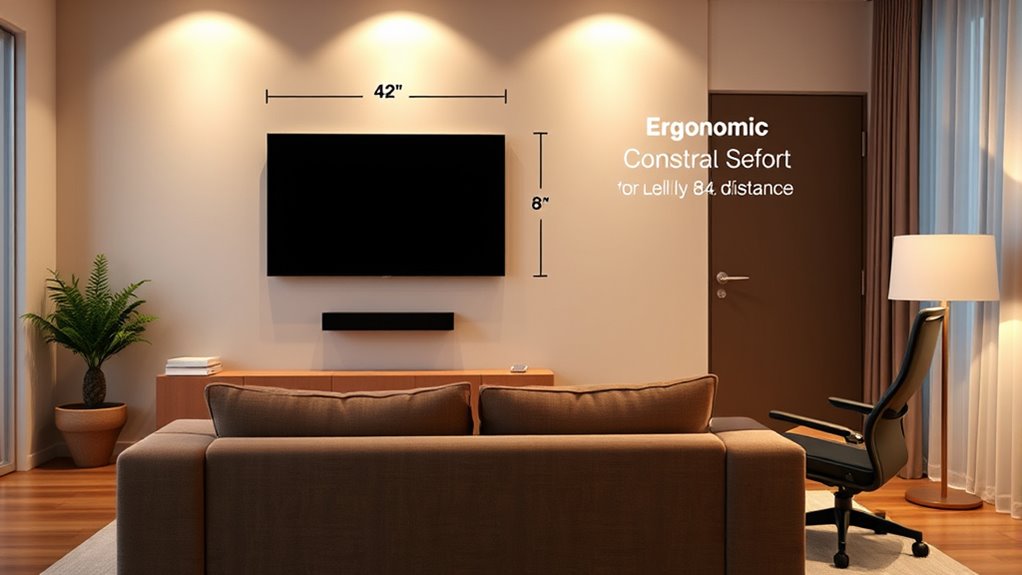
Ensuring your viewing setup remains comfortable and minimizes strain is essential for enjoying your TV sessions. Proper positioning can prevent neck and eye fatigue, making your experience more enjoyable. To enhance comfort, focus on optimizing sound quality, so you don’t strain to hear dialogue or background sounds. Additionally, consider energy efficiency by choosing energy-saving settings and appropriate lighting to reduce eye strain. Using biodiversity-friendly lighting options can also help create a more natural and soothing environment while conserving energy.
The Impact of Screen Size on Placement Decisions
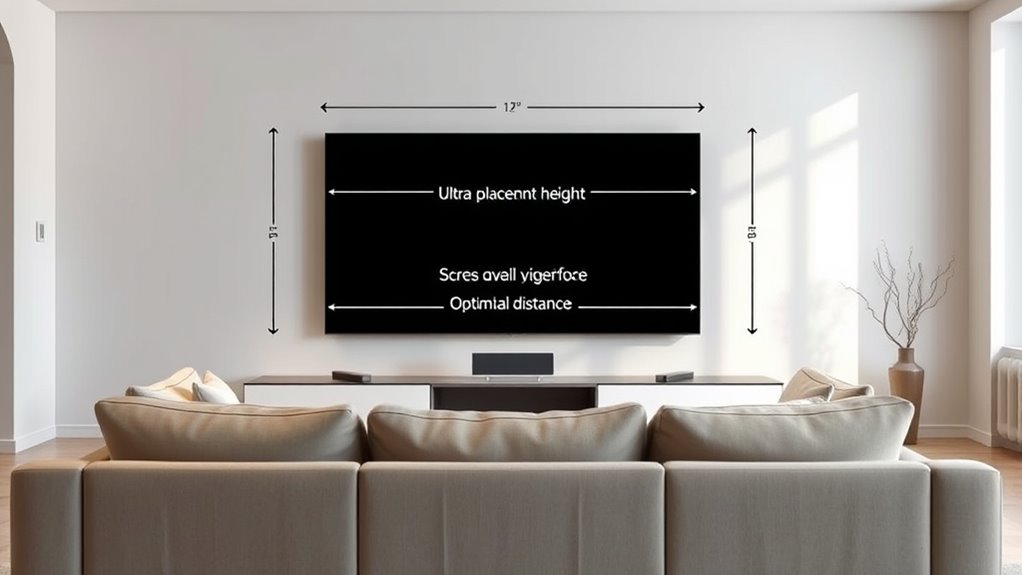
The size of your TV considerably influences where and how you should place it for ideal viewing. A larger screen demands a greater distance to prevent eye strain and guarantee a comfortable experience. When positioning a bigger TV, consider the screen resolution; higher resolutions like 4K allow you to sit closer without sacrificing picture quality. Additionally, speaker placement becomes critical with larger screens, as sound should complement the size for immersive audio. Properly aligned speakers enhance your viewing experience, so avoid placing them too far apart or too close to the screen. Keep in mind that a bigger TV often benefits from a slightly lower mounting height, ensuring comfortable eye-level viewing without neck strain. Balancing screen size with placement ensures excellent picture and sound quality. It is also important to consider health benefits to prevent discomfort and promote an enjoyable viewing environment.
Common Mistakes to Avoid When Positioning Your TV
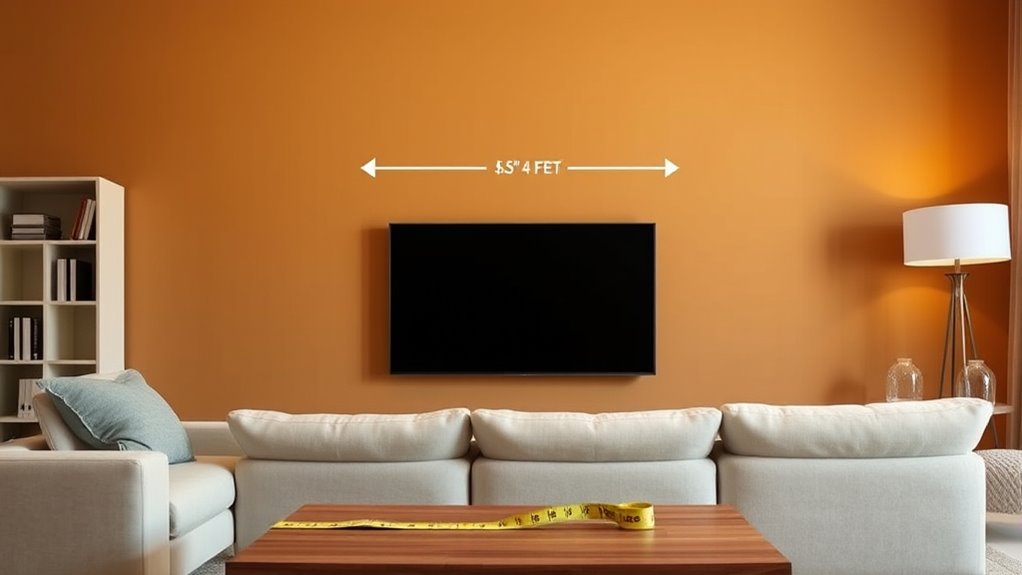
One common mistake people make is placing the TV too high on the wall, which can cause neck strain and discomfort during prolonged viewing. To avoid this, guarantee the center of your screen is at eye level when seated. Additionally, poor cable management can lead to clutter and safety hazards, so hide or organize cables neatly. Overlooking sound system integration is another mistake; position speakers for ideal audio and avoid running wires across the room.
- Mount the TV at eye level to prevent neck strain
- Use cable organizers or conduit to keep cords tidy
- Plan speaker placement to enhance sound quality and minimize visible wires
Frequently Asked Questions
How Does Ambient Lighting Affect TV Placement Choices?
Ambient lighting greatly influences your TV placement choices because it can cause glare and reflections. To reduce glare, you should position your TV away from direct light sources and consider ambient lighting that’s soft and indirect. This helps you enjoy clear picture quality without straining your eyes. Proper placement minimizes glare, enhances viewing comfort, and guarantees you get the best picture quality regardless of your room’s lighting conditions.
What Are the Safety Considerations for Wall Mounting TVS?
Think of your wall as the backbone of your entertainment. You gotta guarantee safe mounting by using sturdy mounting hardware and wall reinforcement, especially if your TV is heavy or large. Always check for studs or solid supports, avoid weak drywall alone, and follow manufacturer instructions closely. Securely anchored, your TV becomes a safe centerpiece, preventing accidents and protecting your space. Safety first keeps your viewing experience worry-free and your home secure.
How Do Different Room Acoustics Influence TV Placement?
Room acoustics substantially influence your TV placement, especially if soundproofing challenges exist. To minimize sound reflections and improve audio clarity, consider acoustic treatment options like wall panels or rugs, which help absorb sound. Position your TV away from reflective surfaces, such as windows or bare walls, and use soundproof barriers if needed. This ensures better sound quality, reducing echo and distortion, so you enjoy clearer audio during your viewing experience.
Can Wall-Mounted TVS Cause Long-Term Wall Damage?
Wall-mounted TVs can cause long-term wall damage if you don’t guarantee proper mounting. The weight acts like a hidden weightlifting routine on your wall, risking cracks or sagging over time. Mounting risks include loosened brackets or damaged drywall, especially if you miss studs or use unsuitable anchors. To avoid this, use sturdy mounts and secure them correctly, preventing long-term harm and keeping your wall safe from damage.
How Does Furniture Arrangement Impact Optimal TV Positioning?
Your furniture placement directly affects your viewing angles and overall comfort. To optimize TV positioning, arrange seating so it’s directly facing the screen at eye level, minimizing neck strain. Keep furniture at a comfortable distance to prevent glare and ensure clear sightlines. Thoughtful furniture placement creates a cozy viewing environment, enhances your experience, and reduces the need for constant adjustments, making your entertainment space more enjoyable and functional.
Conclusion
Getting your TV placement right can feel like solving a Rubik’s Cube, but with these tips, you’ll create a viewing setup so perfect, it might just blow your mind. Remember, the right height and distance not only boost your comfort but could turn your living room into the envy of the neighborhood. Don’t settle for less—your eyes and neck will thank you, and your movie nights will be transformed into epic viewing adventures!